
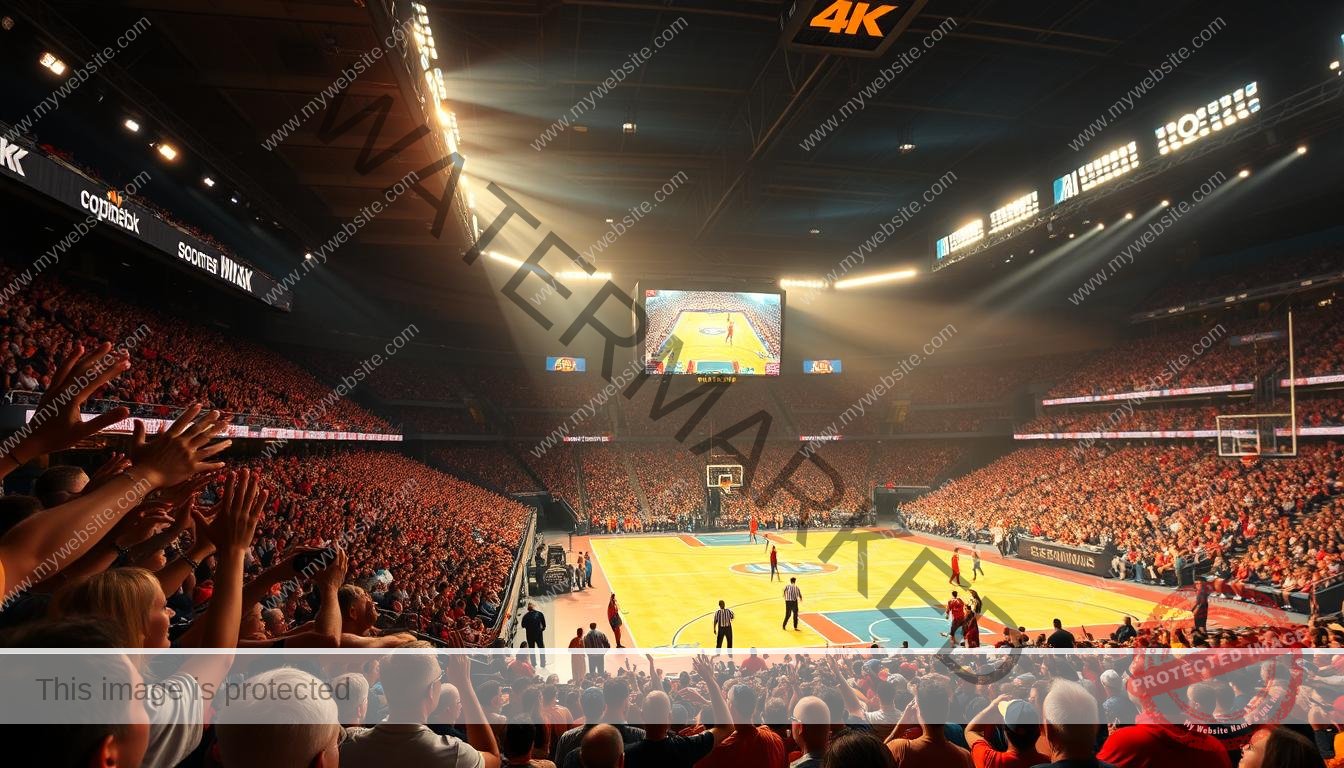
We’re on the cusp of a revolution in sports broadcasting, and it’s all about superior viewing experiences. With the advent of 4K technology, sports enthusiasts can now enjoy their favorite games with unprecedented clarity and detail.
The shift towards higher-resolution content is transforming the way we engage with sports. As we explore this exciting development, we’ll examine the current state of sports broadcasting and streaming, highlighting the benefits and challenges of 4K sports viewing.
Our comprehensive guide will walk you through the world of 4K sports, from setup to troubleshooting, and everything in between. We’ll help you make the most of your viewing experience and set realistic expectations about what’s available.
Key Takeaways
- Discover the benefits of watching sports in 4K resolution
- Understand the current landscape of sports broadcasting and streaming
- Learn how to maximize your sports viewing experience
- Get an overview of the challenges and opportunities in 4K sports
- Find out what to expect from true 4K sports content versus upscaled content
Understanding 4K Sports Streaming
As we dive into the world of sports streaming, understanding the nuances of 4K content becomes crucial. With the increasing demand for high-quality video content, sports streaming services are under pressure to deliver the best possible viewing experience. However, not all 4K content is created equal.
The Difference Between Native 4K and Upscaled Content
Native 4K content is recorded and broadcast in true 4K resolution, offering a much more detailed and immersive viewing experience compared to lower resolutions. On the other hand, upscaled content starts at a lower resolution and is then artificially enhanced to 4K. While upscaling can improve the image quality, it doesn’t match the clarity of native 4K. For instance, a live sports event broadcast in native 4K will have a more vivid and sharp image compared to one that is upscaled to 4K.
Why Most Sports Aren’t Broadcast in True 4K
Despite the growing popularity of 4K, many sports networks still don’t broadcast in true 4K. There are several reasons for this. Firstly, producing native 4K content is expensive and requires significant infrastructure upgrades. Many networks still broadcast in lower resolutions like 720p or 1080i due to cost and bandwidth constraints. For example, Fox Sports primarily produces content in 720p, while CBS broadcasts live sports streams in 1080i. Even premium events are often not available in native 4K, despite being advertised as “4K broadcasts.”
| Network | Typical Broadcast Resolution | Special Events Resolution |
|---|---|---|
| Fox Sports | 720p | 1080p (e.g., Super Bowl) |
| CBS | 1080i | 1080p (select events) |
Understanding these limitations can help set realistic expectations for the quality of sports streaming. As technology advances and infrastructure improves, we can expect to see more native 4K broadcasts in the future.
How to Watch Sports on Strong 4K
Discover how to watch your favorite sports on Strong 4K in just a few simple steps. With the right setup and navigation, you can enjoy a seamless sports viewing experience.

Setting Up Your Strong 4K Device
To start watching sports on your Strong 4K device, you’ll need to set it up correctly. Begin by unboxing your device and connecting it to your TV and home network. Make sure to follow the on-screen instructions for the initial configuration process, which includes creating an account, updating the software, and linking your preferred streaming services.
Navigating the Strong 4K Interface for Sports Content
The Strong 4K interface is designed to make finding your favorite sports content easy. You can search across multiple streaming services and create personalized lists of your favorite teams, leagues, or events. Take some time to explore the sports-specific sections and features that can enhance your viewing experience.
Optimizing Your Strong 4K Settings for Sports
To get the most out of your sports viewing experience, you’ll need to optimize your Strong 4K settings. Adjust the resolution, frame rate, and audio configurations to suit your preferences. You can also set up reminders and notifications to ensure you never miss a live sports event. By managing your settings and streaming service subscriptions, you can enjoy a comprehensive sports coverage.
Best Streaming Services for 4K Sports Content
When it comes to streaming sports in 4K, the right service can make all the difference. With numerous options available, choosing the best one can be challenging.
Premium Services with 4K Sports Offerings
Premium streaming services have taken sports broadcasting to the next level by offering 4K content. Services like YouTube TV, Netflix, Amazon Prime Video, and Apple TV+ provide high-quality sports streams. YouTube TV, for instance, offers 4K content, but it comes at an extra cost. On the other hand, Netflix includes 4K in its premium package, making it a more inclusive option for subscribers.
The monthly subscription costs for these services vary, with some charging extra for 4K content. For example, YouTube TV’s base package is around $70 per month, with an additional fee for 4K. Netflix’s premium plan, which includes 4K, costs $22.99 per month.
Free and Budget-Friendly Options
For those on a budget, there are free and ad-supported services available. Network-specific apps and platforms like Sling TV offer live sports without the need for a traditional cable subscription. Verizon’s +play marketplace is another option, offering promotions like a free year of Netflix Premium with the purchase of a year of Peacock for $80.
Specialized sports streaming services like ESPN+ and DAZN cater to specific sports enthusiasts, offering exclusive content and events. These services allow subscribers to access a range of sports content without the need for a full cable package.
Maximizing Your Sports Viewing Experience
A superior sports viewing experience on Strong 4K requires careful consideration of both your home network and TV settings. To achieve this, we need to focus on two key areas: optimizing your home network for 4K streaming and adjusting your TV settings for the best sports picture quality.
Optimizing Your Home Network for 4K Streaming
To ensure smooth 4K sports streaming, your home network must meet specific requirements. We recommend an internet speed of at least 25 Mbps for 4K content. Router capabilities are also crucial; a dual-band or tri-band router can significantly improve your streaming quality. When it comes to connection types, a wired Ethernet connection is generally more stable than Wi-Fi.
To improve your home network performance, consider optimal router placement, reducing interference from other devices, and prioritizing streaming traffic. You can also test your network speed and diagnose potential bottlenecks using online tools.

TV Settings for the Best Sports Picture Quality
The right TV settings can greatly enhance your sports viewing experience. Different sports benefit from different picture settings; for example, fast-paced sports like basketball require different settings compared to slower-moving events like golf. Picture modes, motion handling, color calibration, and contrast adjustments are key factors to consider.
We recommend exploring your TV’s menu to find the optimal settings. Some TV brands have specific modes for sports content. Additionally, consider enhancing your viewing experience with external equipment like sound systems and ambient lighting.
Troubleshooting Common Issues When Streaming Sports in 4K
Enjoying sports in 4K requires more than just a good internet connection; it demands a hassle-free streaming experience. We understand that technical issues can be frustrating, especially during live sports broadcasts.
Fixing Buffering and Quality Problems
Buffering and quality drops are common issues when streaming sports in 4K. To resolve these problems, start by checking your network conditions. Ensure your internet speed is sufficient for 4K streaming, which typically requires at least 25 Mbps. Restarting your device and clearing caches can also improve stream quality.
If issues persist, diagnose whether the problem lies with your equipment, network, or service provider. Check if other devices on the same network are experiencing similar issues. This can help you identify if the problem is localized or more widespread.
Resolving Audio Sync and Other Technical Issues
Audio sync problems can be particularly frustrating during sports broadcasts. To fix this, try adjusting the audio delay settings on your device or within the streaming app. For some services, disabling and re-enabling audio can also resolve the issue.
Other technical issues, such as app crashes or login problems, can often be resolved by force-stopping the app, reinstalling it, or updating to the latest version. If problems continue, it may be necessary to contact customer support for your streaming service or device manufacturer.
| Issue | Troubleshooting Step | Additional Tips |
|---|---|---|
| Buffering | Check internet speed | Ensure other devices aren’t consuming bandwidth |
| Audio Sync | Adjust audio delay settings | Try disabling and re-enabling audio |
| App Crashes | Force-stop and restart app | Update app to latest version |

Conclusion: Elevating Your Sports Viewing with Strong 4K
As we bring this article to a close, it’s evident that Strong 4K is revolutionizing the way we watch sports. Throughout our discussion, we’ve explored the nuances of 4K sports streaming, the setup and optimization of Strong 4K devices, and the best streaming services for sports content.
While there are current limitations in true 4K viewing for many games, Strong 4K technology significantly enhances the experience through superior upscaling. We encourage you to experiment with different settings and services to find your optimal setup for various sporting events.
As the future of sports broadcasting unfolds, viewers can expect improvements over time. To ensure the best performance, regular updates to both your Strong 4K device and connected apps are crucial.
By combining the right equipment, settings, and services, you can dramatically improve your viewing experience. We invite you to share your own experiences and tips for optimizing sports viewing on Strong 4K devices.


