
Are you ready to elevate your viewing experience with ultra-high-definition content? We provide a comprehensive guide to help you download and install the My 8K App on various devices, including Firestick, Fire TV, Android TV, Google TV, and iOS devices.
Our step-by-step instructions make the installation process straightforward, even for users who aren’t technically inclined. The app offers exceptional video playback capabilities, supporting resolutions up to 8K.
We’ll explore the key features that make this app stand out from other media players, ensuring you get the best viewing experience.
Key Takeaways
- Easy installation on multiple devices
- Ultra-high-definition video playback
- Step-by-step guide for non-technical users
- Exceptional features for a superior viewing experience
- Comprehensive guide for a seamless setup
What is My 8K App and Its Benefits
For enthusiasts of high-quality video, My 8K App offers a unique solution to play back content in resolutions that most devices can’t handle natively. This premium media player is designed to handle ultra-high-definition video content, supporting playback in 5K, 6K, 7K, and 8K resolutions.
Key Features of My 8K App
The My 8K App boasts several key features, including advanced video processing capabilities and customizable playback options. It is compatible with footage from high-end cameras like the GoPro Hero 9 or 10 in 5.3K. The app’s ability to handle high-resolution video data without compromising quality or experience makes it an essential tool for video enthusiasts.
Supported Devices and Requirements
My 8K App supports a wide range of devices, including Firestick, Fire TV, Android TV, Google TV, and iOS devices. For optimal performance, we recommend devices with sufficient processing power and memory. The VIP version of the player offers additional premium services and enhanced features for professional users and content creators.
How to Download My 8K App on Different Devices
Downloading the My 8K App on various devices is a straightforward process that we will guide you through.
We support a wide range of devices, including Firestick, Fire TV, Android TV, Google TV, and iOS devices, ensuring that you can enjoy your favorite content on the platform of your choice.
Installing My 8K App on Firestick and Fire TV
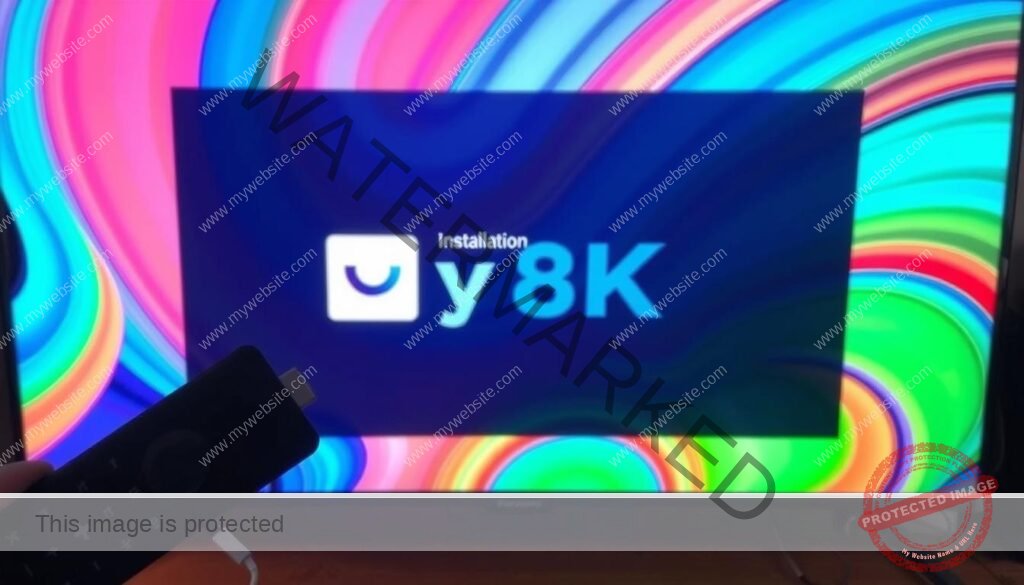
To install the My 8K App on your Firestick or Fire TV, you’ll first need to enable unknown sources in your device settings.
Enabling Unknown Sources on Your Device
Navigate to your device’s Settings, then select My Fire TV or Developer Options, and toggle on Install unknown apps.
This step is crucial as it allows you to install apps from outside the official Amazon Appstore.
Using Downloader App for Installation
Next, use the Downloader app to download the My 8K App APK file.
Simply launch the Downloader app, enter the download code, and follow the prompts to download and install the app.
Installing My 8K App on Android TV and Google TV

The process for Android TV and Google TV is similar to Firestick, involving enabling unknown sources and using a downloader app to sideload the My 8K App.
However, the exact steps may vary slightly depending on your device’s manufacturer and model.
Downloading My 8K App on iOS Devices
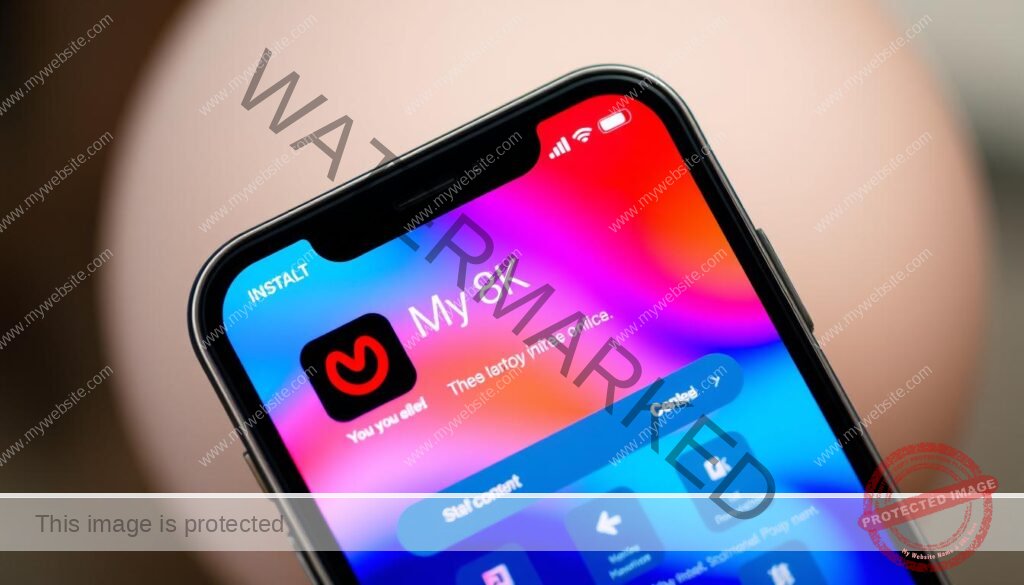
For iOS users, the installation process is more straightforward.
Installation Process via App Store
Simply open the App Store, search for the My 8K App, and click Get to download and install it.
Verifying App Permissions
After installation, ensure that the app has the necessary permissions to function correctly.
This may involve granting access to certain features on your device.
Setting Up Your My 8K App Account
Once you’ve installed the My 8K App, configuring your account is essential for a seamless viewing experience. We guide you through the process to ensure you get the most out of the app.
Creating a New Account
Creating a new account is straightforward and requires basic information. To start, you’ll need to verify your email address to complete the registration process. Ensure you provide accurate details to avoid any issues with your account.
Configuring Your Playlist and Login Details
Configuring your playlist is an essential step for accessing your preferred content. You can name your playlist and organize your media for easy access. To do this, click on “8k VIP,” then “Edit,” and input your account details (playlist name, username, and password) before selecting “Update Playlist.” As noted by a satisfied user,
“The My 8K App has revolutionized my TV viewing experience with its user-friendly interface and vast content library.”
Accessing Premium Features and Content
The My 8K App offers various premium features that enhance your viewing experience, including advanced playback options and access to higher resolution content. To access these features, you may need to upgrade to the VIP version.
| Feature | Basic Version | VIP Version |
|---|---|---|
| Playback Options | Standard | Advanced |
| Content Resolution | Up to 4K | Up to 8K |
To enhance your experience, we recommend configuring your privacy settings to protect your data. You can do this by navigating to the settings menu and adjusting the options according to your preferences.
Conclusion: Getting the Most Out of My 8K App
By following our step-by-step guide, you’re now ready to explore the full potential of the My 8K App. We’ve walked you through the complete process of downloading, installing, and setting up the app on various devices, ensuring you can enjoy ultra-high-definitionvideo content.
To maximize your experience, we recommend regularly checking for thelatest version updates, which often include performance improvements and new features. The My 8K App is particularly valuable for viewing content from high-end cameras and devices like the GoPro Hero series, allowing you to appreciate the fullqualityof your recordings.
For a seamless experience, especially for Firestick and Android users, it’s crucial to keep your devicesettingsoptimized for video playback. The app’spremium servicesoffer additional benefits, including enhanced playback options and access to exclusive content.
As you continue to use the My 8K App, remember to manage your device’s home screen and storage to maintain optimal performance. Regularly reviewing the app’s permissions will also help ensure your privacy and comfort with the data being accessed.
With proper setup and use, the My 8K App provides an unparalleled viewing experience for your highest qualityvideosandphotosacross all your devices. We encourage you to explore all the features available in the app to get the most out of your experience.


